 Menu
Menu
On this page
- What a Wireless Pen Test Is and Why SOC 2 Requires It
- Scoping and Authorization Before Any Testing Begins
- The Technical Workflow From Discovery to Exploitation
- Common Wireless Attacks and How to Rate Their Risk
- Evidence Collection and Reporting for SOC 2 Auditors
- Choosing the Right Wireless Testing Firm or Auditor
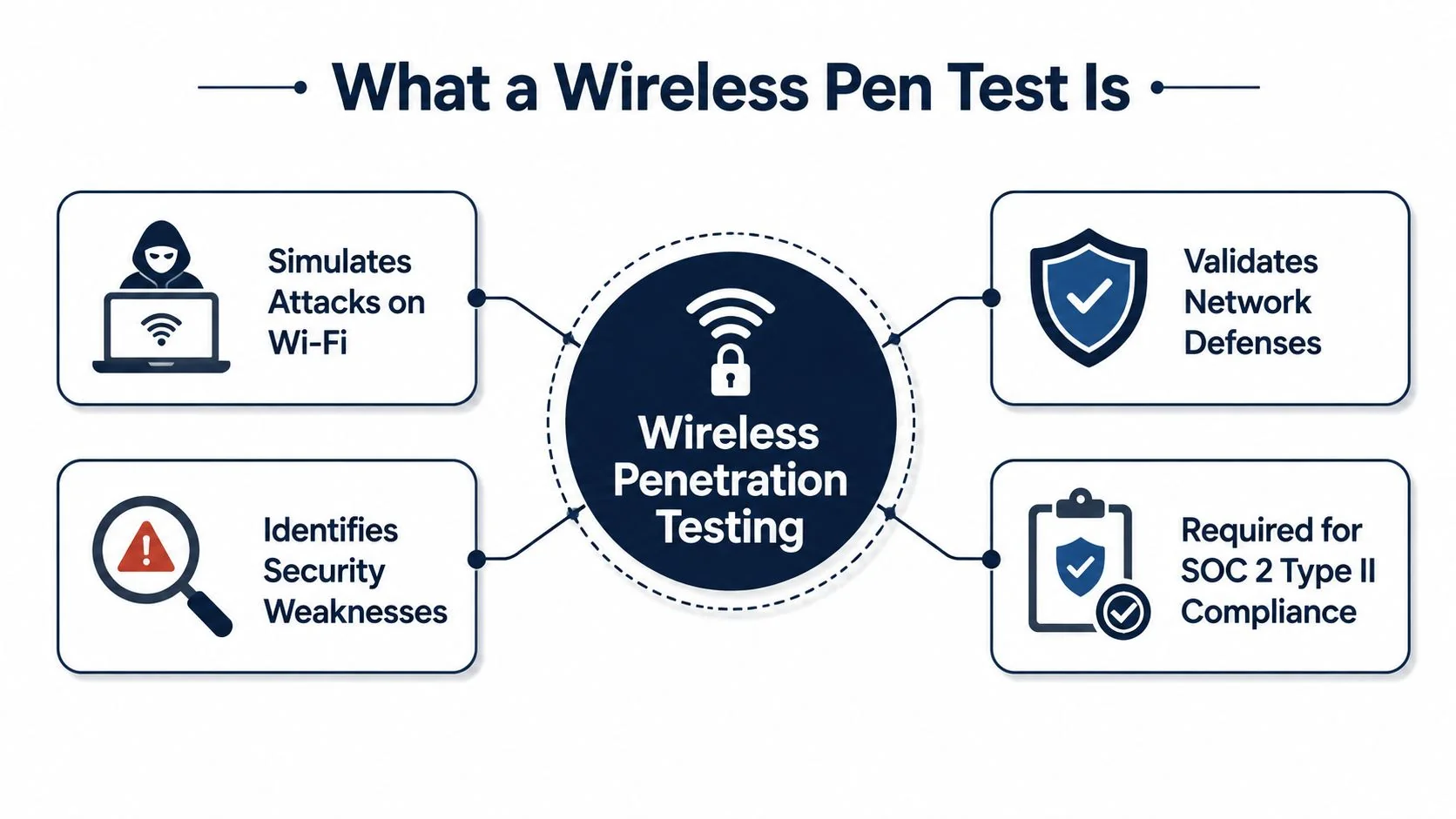
A wireless pen test is a controlled security assessment that simulates attacks against Wi‑Fi and other radio-based networks to find weaknesses in authentication, encryption, device exposure, and network segmentation before an attacker does. For SOC 2, it matters because wireless access points, guest networks, and employee devices belong in scope when they can reach systems that store or process customer data, and the Security criterion under the AICPA Trust Services Criteria expects those components to be protected against unauthorized access.
What makes this assessment different from a basic network scan is that wireless misconfigurations can bypass a perimeter that looks solid on paper. A well-run engagement documents the targeted SSIDs, bands, and authorized locations, then verifies WPA2/WPA3 configuration, password strength, and guest-to-internal isolation. That evidence is what auditors care about, not whether the tester found a clever trick.
What a Wireless Pen Test Is and Why SOC 2 Requires It
A wireless pen test is a specialized security assessment focused on radio-based environments, usually Wi‑Fi but often Bluetooth, Zigbee, and other wireless protocols too. The point is to simulate an attacker’s path into the environment, then prove whether the controls around access, encryption, and segmentation hold up under pressure. That makes it a direct fit for SOC 2, because if wireless access can reach customer data systems, it’s part of the control environment, not a side network.
The compliance angle is straightforward. The Security criterion under the AICPA Trust Services Criteria expects logical access and system components to be protected against unauthorized access, and wireless controls sit right inside that expectation. If someone can join a guest network and pivot inward, the issue isn’t just “bad Wi‑Fi,” it’s a control failure that can affect the scope of the entire audit.
Practical rule: auditors respond better to a wireless assessment that shows controlled scope, clear evidence, and remediation tracking than to a one-off scan with no retest.
For teams building a SOC 2 program, the best starting point is to inventory every wireless asset that could touch in-scope systems. That includes office SSIDs, guest SSIDs, conference-room access points, wireless bridges, and any wireless gear tied to printers, cameras, or other IoT devices. Once those are named, the test can validate whether WPA2/WPA3, password policy, and segmentation are enforced rather than assumed.
A useful reference point for organizations comparing practical guidance is the internal coverage in the SOC2Auditors penetration testing insights, which helps frame how penetration testing evidence tends to be reviewed in audit workflows. For broader operational hardening, teams can also use the find wifi protection guides collection from Nerds 2 You Edmonton as a practical companion resource when they’re tightening wireless controls.
Key point: if wireless access can influence the trust boundary, SOC 2 treats it as an evidence problem, not just a network problem.
Scoping and Authorization Before Any Testing Begins
The first mistake in a wireless pen test is starting the radio work before the paperwork is done. That’s how teams create legal risk, miss assets that should have been included, or hand auditors an engagement that looks uncontrolled. For SOC 2, scoping isn’t administrative overhead, it’s proof that the assessment was authorized, bounded, and repeatable.
What the scope has to define
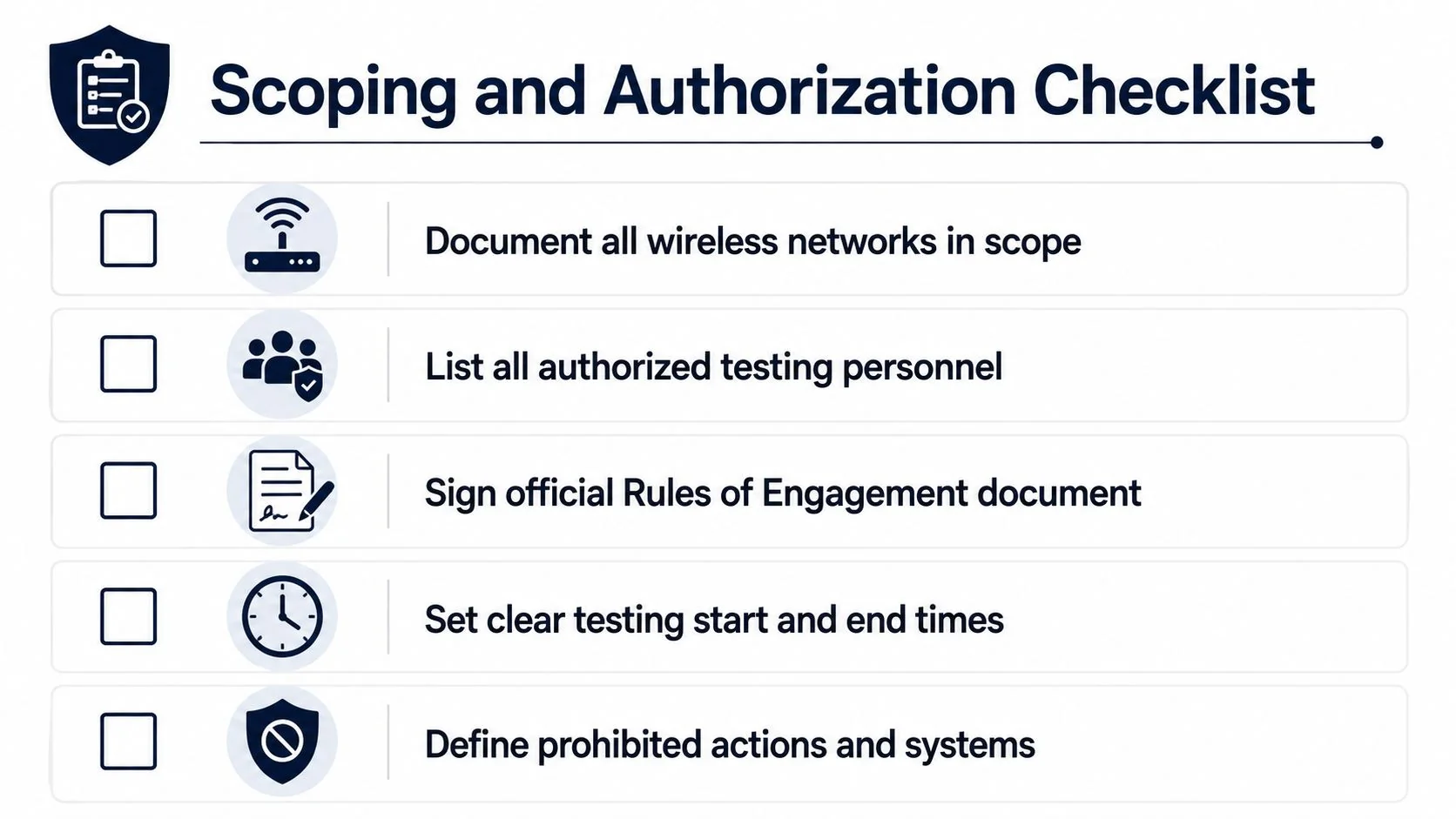
The scope should name the authorized SSIDs, the physical locations where testing is allowed, the bands in play, and the testing windows when RF activity is permitted. It should also list who is allowed to perform the test, what devices they can use, and what actions are off-limits. If an auditor can’t tell where the test applied, they’ll have a harder time trusting the results.
A strong rules-of-engagement packet usually covers:
- Documented wireless targets: every in-scope SSID, guest or private, should be listed explicitly.
- Authorized personnel: the testers need clear written approval, not informal Slack consent.
- Testing windows: define start and end times so operations teams know when activity is expected.
- Geographic boundaries: specify buildings, floors, and offsite areas if the test extends beyond one office.
- Prohibited actions: include any denial-of-service boundaries, client disruption limits, and restrictions on live production systems.
A clean scope protects everyone. If the test crosses an unapproved boundary, the report becomes harder to use and the evidence becomes easier to challenge.
Handling gray areas
Guest networks, IoT radios, and employee-owned endpoints create scope ambiguity. The right move is to classify them before testing starts, not after a tester notices them in the air. If a guest SSID can reach internal systems, it belongs in the security review. If an employee laptop connects to corporate wireless but also acts as a bridge to unmanaged devices, that path needs to be documented.
The SOC 2 relevance is direct. Auditors look for proof that management identified what was tested, who approved it, and which wireless assets were in scope. That’s why the scoping package should live alongside the final report, not buried in email threads. The evidence trail matters as much as the technical output.
The Technical Workflow From Discovery to Exploitation
A rigorous wireless assessment starts with care. The most reliable testers begin with passive reconnaissance so they can map the environment without transmitting traffic, then move into controlled active validation only after they know where the interesting entry points are. That sequence matters because a noisy start can distort the RF environment and make later evidence harder to trust.
Discovery first, then action
Passive discovery is where the tester enumerates SSIDs, BSSIDs, channels, encryption types, signal strength, and nearby devices. This phase is about observation, not interaction, and it usually gives the clearest picture of what’s in range. In my experience, teams that skip this step often miss hidden networks, weak coverage zones, or devices that only appear at the edge of the site.
The next step is active capture, where the tester collects WPA2/WPA3 handshakes or PMKIDs, validates WPS exposure, and checks whether the target responds to controlled rogue AP or Evil Twin simulation. After that comes offline analysis, including cracking captured material where permitted, followed by post-association segmentation testing to see whether wireless clients can reach internal resources. The key question is not whether the wireless network “looks secure,” it’s whether valid authentication artifacts and lateral paths were proven under controlled conditions.
What tends to work and what doesn’t
The highest-yield checks focus on credential capture paths rather than generic vulnerability scanning. That’s where wireless assessments differ from a normal host scan, because Wi‑Fi exposure is often about access and trust, not patch levels. Common workflows use monitor mode, packet capture, and offline cracking with Aircrack-ng or Hashcat against captured material, with controlled deauthentication only when needed to force a fresh handshake.
A frequent failure mode is poor adapter placement or weak RF mapping. If the tester can’t hear the right traffic, the engagement comes back incomplete, and the report ends up showing a gap in execution rather than a gap in security. The artifacts that make the workflow audit-ready are the same ones that make it technically credible, timestamps, screenshots, packet captures, and command output.
Operational lesson: if you don’t capture the authentication artifact, you usually don’t have enough evidence for a meaningful wireless finding.
Common Wireless Attacks and How to Rate Their Risk
SOC 2 reviewers don’t need a long list of every wireless trick available. They need to know which issues can expose customer data, which ones show weak control design, and which ones are operational misses that management can fix quickly. The right way to rate wireless risk is by exploitability, impact, and likelihood of detection.
| Attack Type | SOC 2 Risk Rating | Impact on Customer Data | Remediation Priority |
|---|---|---|---|
| Weak encryption or weak passphrases | High | Can enable unauthorized network access if credentials are recovered | Immediate |
| WPS exposure | High | Can expose the WPA key path on affected access points | Immediate |
| Rogue access point | High | Can create an unauthorized backdoor into the environment | Immediate |
| Evil Twin simulation | High | Can expose credential capture and user trust weaknesses | Immediate |
| Improper guest-to-internal segmentation | High | Can allow lateral access toward in-scope systems | Immediate |
| Bluetooth or IoT pairing weakness | Medium | May expose adjacent devices or indirect entry paths | High |
| Legacy wireless protocols | Medium | Can increase sniffing or replay exposure in older segments | High |
The distinction auditors care about is control failure versus control operating failure. A poorly designed guest network that can reach internal systems points to design weakness. A well-designed network that was deployed with a rogue AP or a bad password policy points to operating weakness. Both matter, but they land differently in the report.
Wireless risk also depends on whether the issue affects a regulated or customer-facing path. A weak guest SSID with no route to sensitive systems is still a problem, but it’s not the same as a wireless segment that can touch production data stores. That’s why the risk rating should tie back to the actual trust boundary, not just to the technique used during testing.
Evidence Collection and Reporting for SOC 2 Auditors
A wireless report that reads like a hacker diary won’t help a SOC 2 program. Auditors need artifacts they can trace from discovery through closure, and the strongest reports are built around evidence, not theatrics. The key deliverable is a report that shows what was tested, what was proven, what was fixed, and what got retested.
What to collect during the engagement
At minimum, the test package should contain timestamps, screenshots, packet captures, command outputs, and explicit remediation recommendations. Those artifacts let an auditor trace the finding from initial observation to validated closure. If the team fixes the issue, the retest evidence should be attached to the original finding so the story stays intact.
The final report should also map findings to relevant AICPA Trust Services Criteria language, especially around logical access and protection against unauthorized access. That mapping doesn’t need to be verbose, but it should be clear enough that a reviewer can understand why the wireless issue matters to SOC 2 scope. A one-time scan without retesting is usually not enough to show sustained control effectiveness.
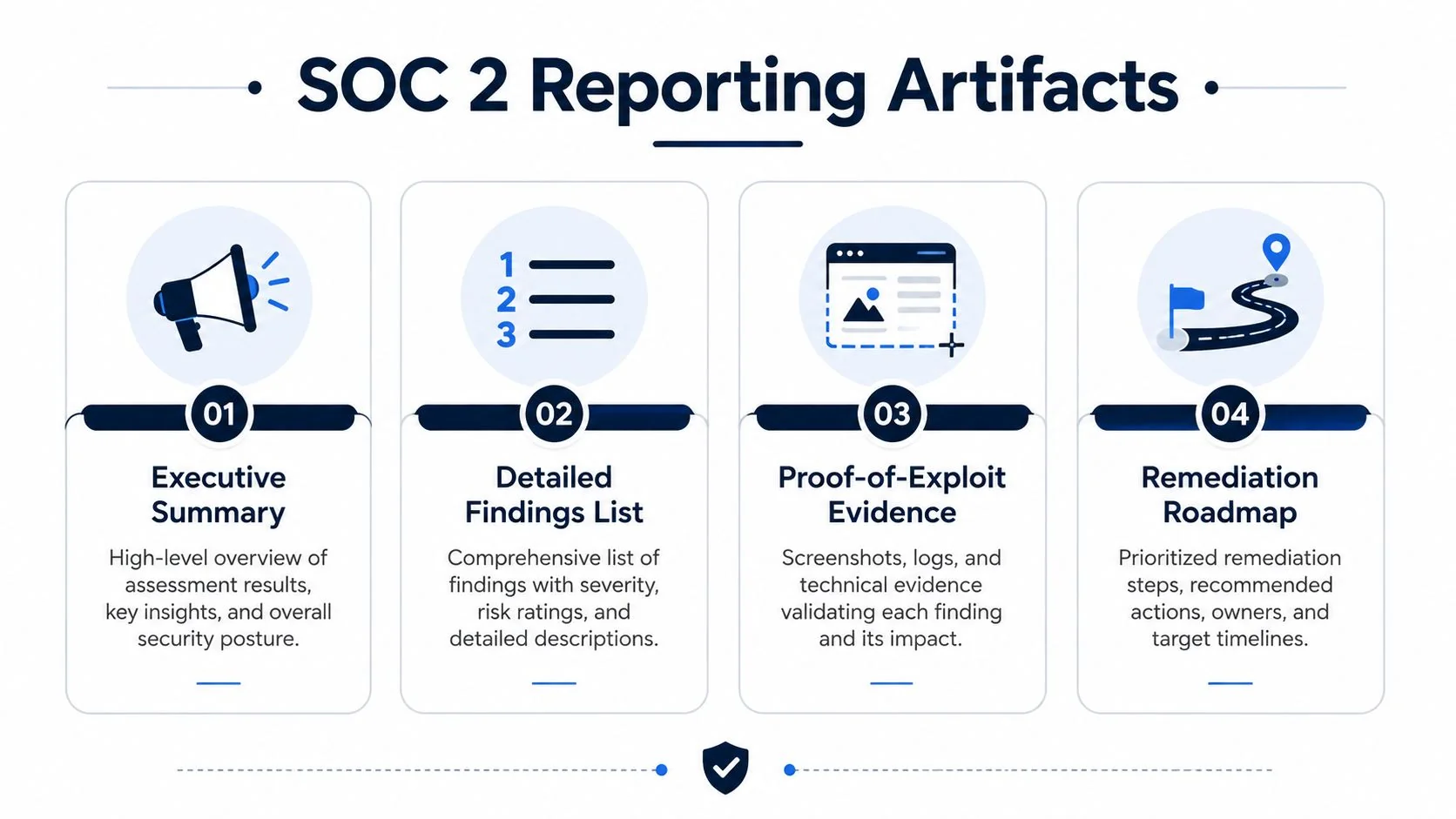
A practical report structure looks like this:
- Executive summary: a plain-English overview for leadership.
- Detailed findings: technical evidence, impact, and affected assets.
- Proof-of-exploit section: screenshots or packet evidence that prove the issue.
- Remediation roadmap: prioritized fixes with owner and retest status.
- Closure notes: verification that the fix worked.
The report should also keep sensitive material out of the body where possible. Share enough evidence to prove the issue, but don’t dump unnecessary secrets into the document. The goal is to make the auditor’s job easier, not to create new exposure.
Choosing the Right Wireless Testing Firm or Auditor
The best wireless assessor is usually the one that understands both the radio layer and the audit layer. An internal team can work if it has real wireless experience and enough independence, but many organizations get better results from a specialized external firm that already knows how to package evidence for SOC 2 reviews. The wrong choice is a team that knows how to run tools but not how to document control impact.
How to evaluate the options
Start with proof of method, not sales language. Ask whether the firm begins with passive reconnaissance, whether it documents rules of engagement, and whether its reports include retest evidence. A provider that skips those steps may still find issues, but the output often fails the audit-readiness test.
It also helps to compare the engagement against broader audit readiness timelines. If you’re still selecting a firm, a good benchmark is to look at the vetted SOC 2 audit firms list alongside your wireless testing plan so the report format lines up with the kind of evidence your auditor will expect. For organizations planning broader infrastructure changes, scalable IT network solutions can be useful context when the wireless environment is being redesigned at the same time.
Selection rule: choose the team that can explain how a finding maps to SOC 2 evidence, not just how they exploited it.
What good engagement timing looks like
Wireless testing needs enough runway for remediation before the observation period closes. If the test happens too late, you end up with findings but no time to prove closure. That timing problem is one of the easiest ways to weaken an otherwise solid SOC 2 program.
A strong provider will also be comfortable working with regulated environments, guest networks, and mixed office plus IoT deployments. If they avoid those gray areas, they’re not ready for a serious audit-driven engagement. The right partner should make the wireless path legible to management, security, and the auditor at the same time.
A wireless pen test only supports SOC 2 readiness when it produces controlled scope, credible evidence, and retested remediation that an auditor can trace end to end. If you’re preparing for a Type 2 review, line up your wireless assessment early, make sure the report maps cleanly to the AICPA Trust Services Criteria, and use the findings to close gaps before the audit window ends.